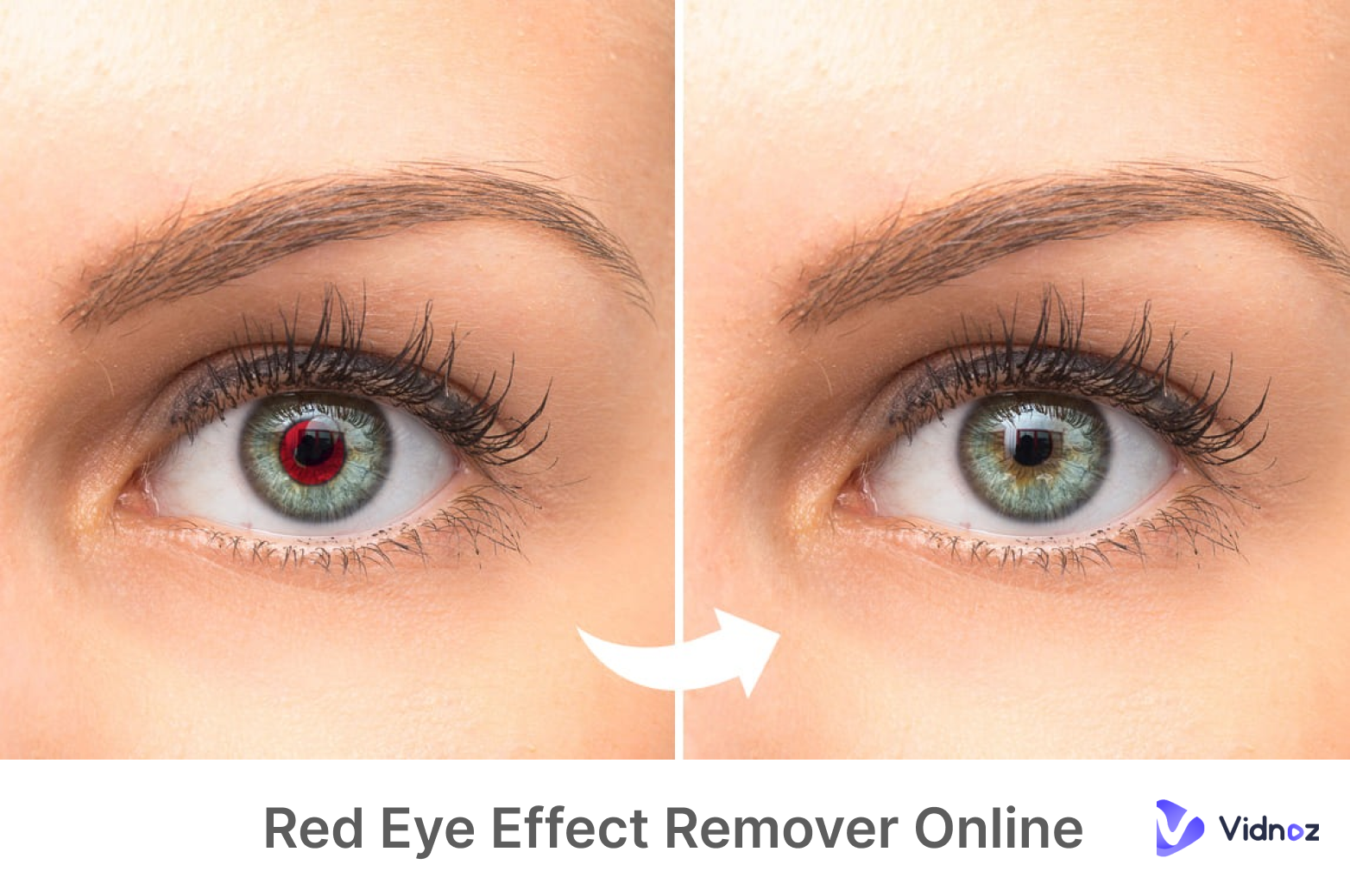
You hang out with your friends and take lots of beautiful photos. But when you’re back to the hotel, you found your eyes look red in a beautiful photo. Has it ever happened to you? How to remove red eye from a picture? Many people are looking for a handy red eye effect remover to fix eye color easily. In this article, we will give you insights and show multiple ways on how to remove red eyes in photo effortlessly on web, mobile, Windows, and macOS.
- On This Page
- Why You Need a Red Eye Effect Remover?
- Remove Red Eye in Photos Free with Red Eye Remover Online
- How to Remove Red Eye from a Picture on Windows/Mac
- 3 Best Red Eye Effect Remover Apps on Android & iOS
- Practical Tips to Prevent Red Eye Photos
- Bring Your Red-Eye Fixed Portrait to Life with AI Talking Photo
Why You Need a Red Eye Effect Remover?
The red eye effect is a phenomenon where the human eye appears as a red spot in the photo when taking photos at night or with a flash. A red eye remover can automatically or manually remove red eye from photos and restore the natural look of the eyes. It helps improve the quality and visual effects of the photo.
Remove Red Eye in Photos Free with Red Eye Remover Online
How to remove red eye from a picture? In this part, we will show you two red eye remover online tools with powerful photo editing features.
Fotor - Fix Red Eye in Photos Online Free
Fotor is a powerful multi-platform photo editing and design tool, loved by more than 350 million users worldwide. It is easy to use and comes with rich functions. As a red eye remover online free, it can accurately remove red eyes with one click and restore natural eyes.
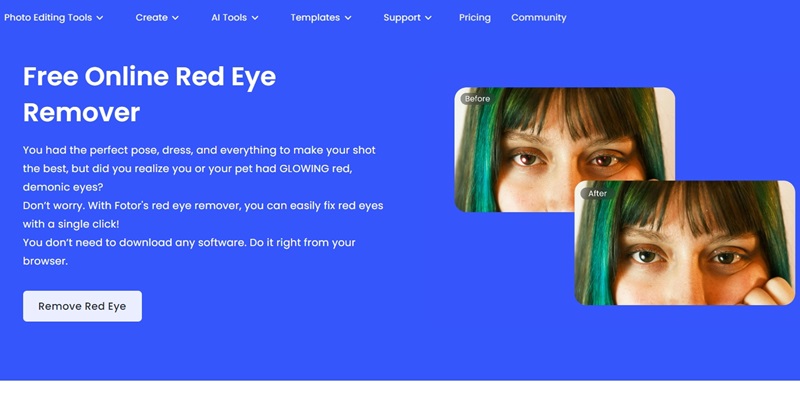
What Can You Enjoy on Fotor:
-
Easy-to-use interface.
-
Quick fix for red eyes on portrait.
- Pet red eye removal.
- Precise editing features on eyes, like eyeshadow, eyeliner.
How to Remove Red Eyes with Fotor
Step 1. Go to the website and click “Remove Red Eye”.
Step 2. Upload a photo with red eye effects.
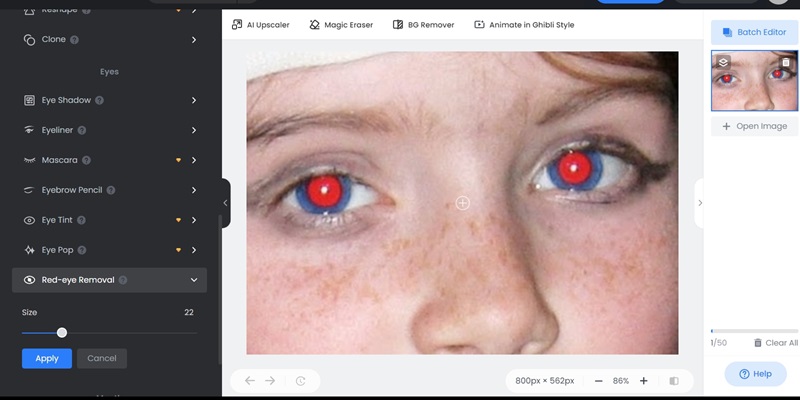
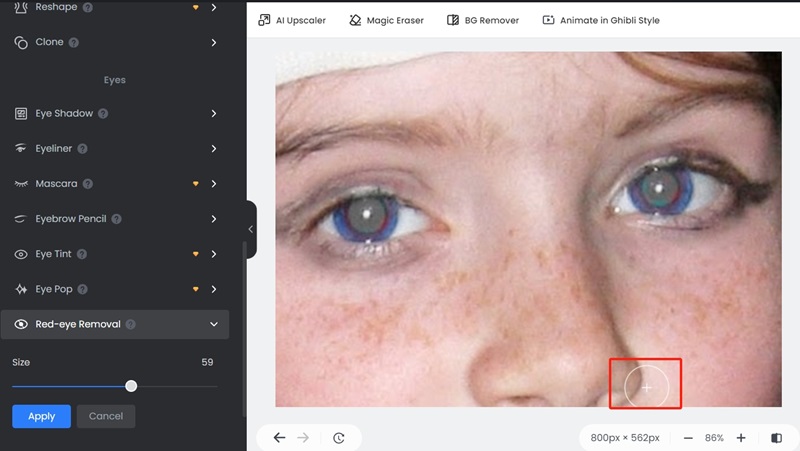
Step 3. Hover the circle over the red eye area to remove it.
Picsart - Retouch Photo with AI Red Eye Remover
Picsart is a powerful red eye remover online. It is a versatile photo editor with rich materials and has a convenient red-eye removal function. Just upload your picture, and you can get swift red-eye fix with its AI correction.
What Can You Enjoy on Picsart:
-
Instant effect.
-
Easy to use.
- Automatic red eye removal.
How to Remove Red Eyes with Picsart
Step 1. Upload the image you want to retouch.
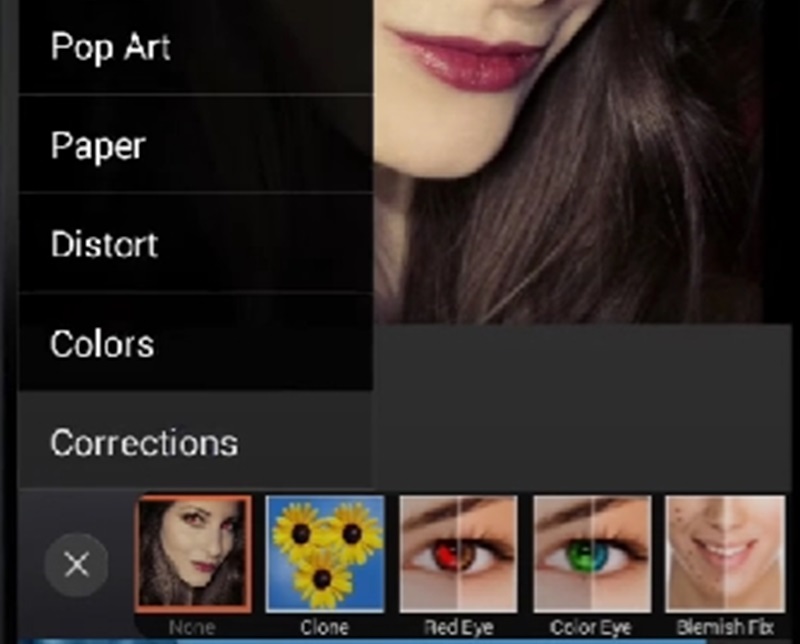
Step 2. Navigate to “Correction” > ”Red Eye”.
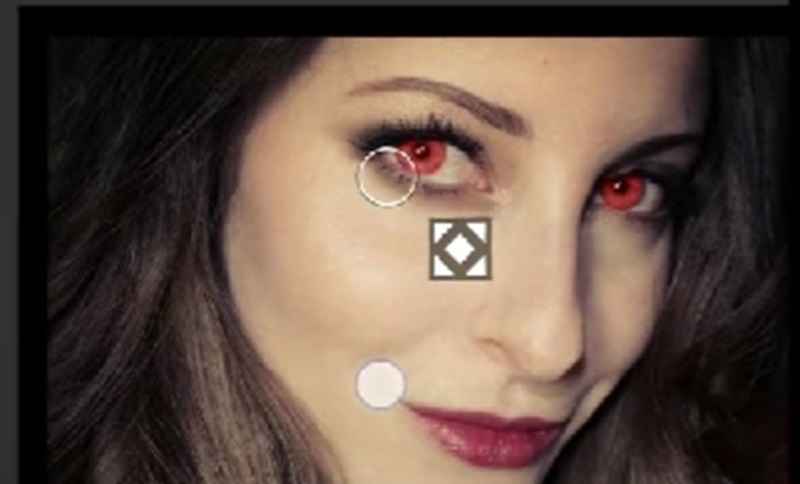
Step 3. Move the circle on the red eye area.
How to Remove Red Eye from a Picture on Windows/Mac
If you are a professional, you can remove red eyes in Photoshop or Lightroom on Windows & Mac with Photoshop and Lightroom.
Remove Red Eyes in Photoshop
Photoshop is a powerful image processing software with rich functions. It can achieve great effects but requires high professional knowledge. You can improve your photo based on the golden ratio face calculator.
How to Remove Red Eyes from a Photo in Photoshop
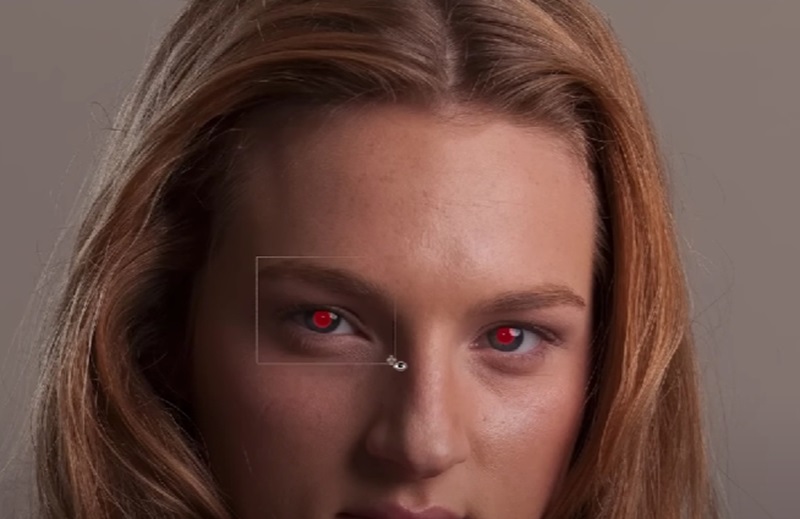
Step 1. Import a photo you want to improve.
Step 2. Find the “Red Eye Tool” in the sidebar.
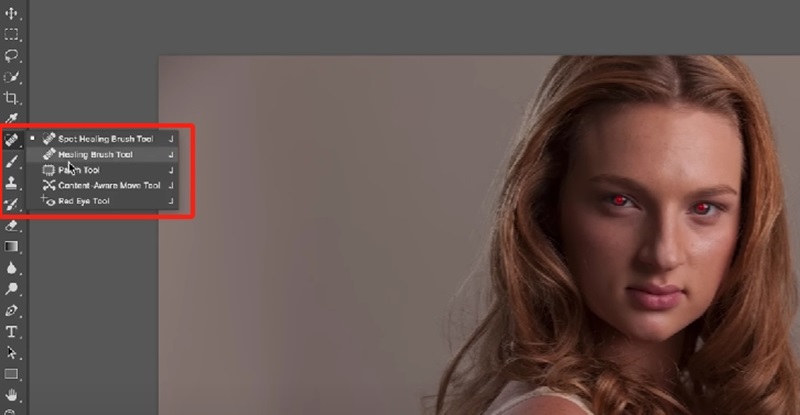
Step 3. Drag out a big selection around the area of the eye. Let the mouse go and it will remove the red eye automatically.
Remove Red Eye Effect on Lightroom
Adobe Lightroom is a professional image editing and management software with powerful functions. You can make good use of it to remove red eyes and optimize photo effects.
How to Remove Red Eyes from a Photo in Lightroom
Step 1. Import a photo.
Step 2. Click on the “Eye” icon in the sidebar.
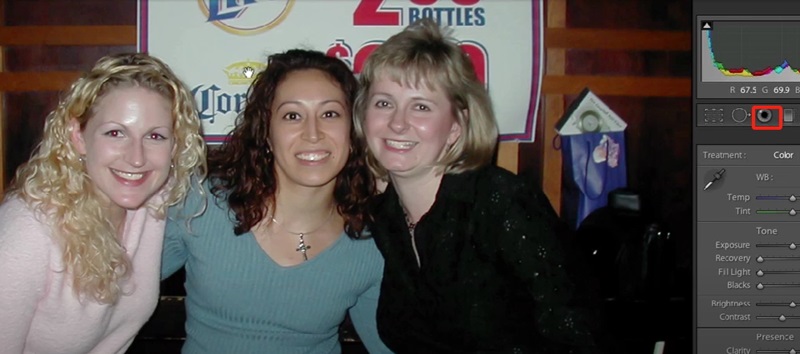
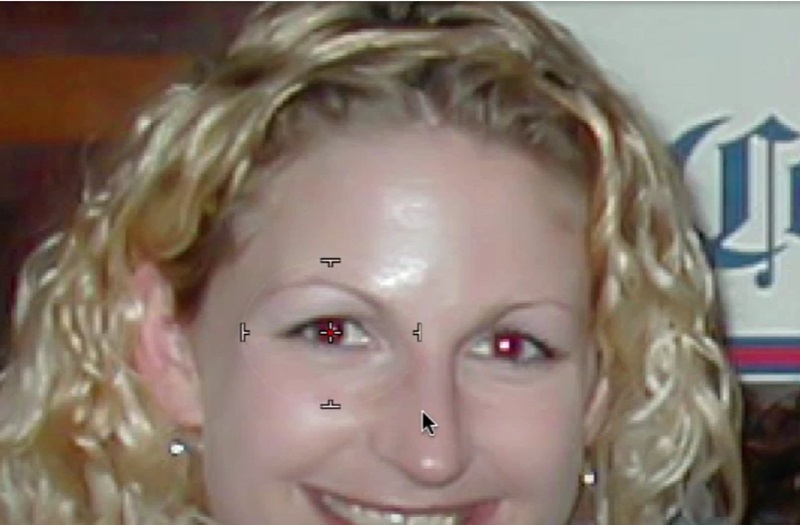
Step 3. Zoom in. In the center of the eye, drag the mouse to create a cross. Let go and the red eye effect will be removed.
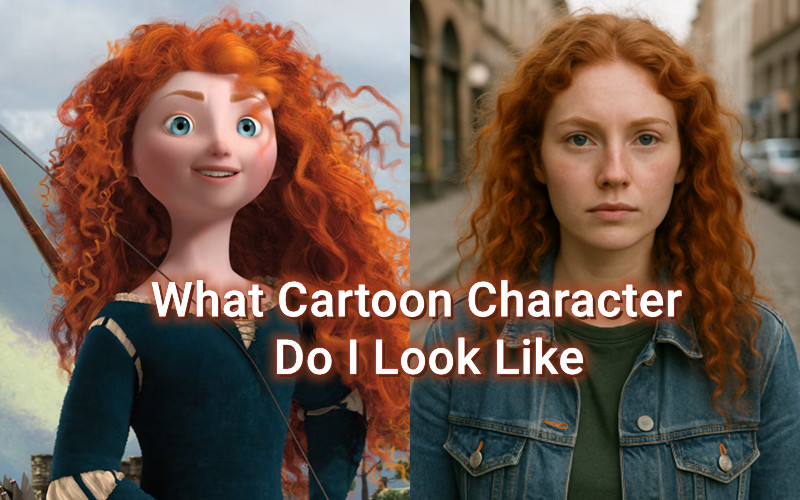
Want to know “What nationality do I look like”? Do the funny test to find it out!
3 Best Red Eye Effect Remover Apps on Android & iOS
Besides the above-mentioned tools, there are 3 best red eye effect remover apps for Android and iOS users.
PhotoDirector: AI Photo Editor

PhotoDirector is a powerful photo editing app packed with tools for professional results. You can get started easily to remove red eyes on photos in your phone and share them with your friends.
Available on: Android & iOS
Pros
- Intuitive interface
- Quick red eye removal
- Regular update of functions
Cons
- Limited features for the free version
- High requirement for device’s performance
Red Eye Corrector - Fix redeye
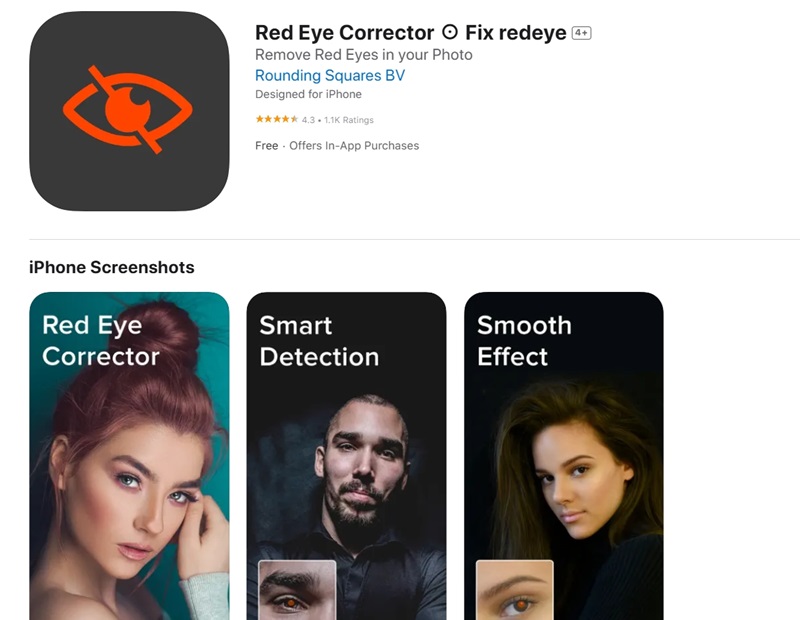
Red Eye Corrector is an app that focuses on removing red eyes from photos. It can automatically identify red eyes and repair them instantly. Most importantly, you can fix a few pictures at the same time.
Available on: iOS
Pros
- Automatic red eye corrector
- Smooth effect
- Easy to use
Cons
- Limited feature for photo editing
- Pop-up ads and notifications
Wizard Photo Editor
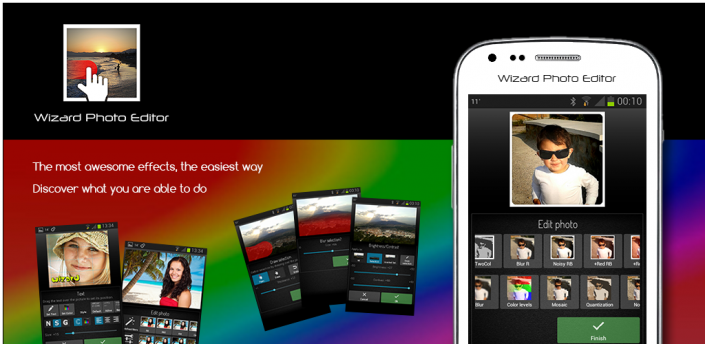
Wizard Photo Editor is a feature-rich photo editing app with a variety of tools and filters. Not only can you erase your red eyes on images, but also enjoy many powerful features in the free version.
Available on: Android & iOS
Pros
- Intuitive interface
- Rich features besides red eye remover
- Free to use
Cons
- Advertisements
- Lack of advanced features
Practical Tips to Prevent Red Eye Photos
Actually, you can take some preventive actions to avoid red eye effects and get a high-quality photography. Here are some tips.
1. Turn off the flash
After the flash is turned off, the pupil of the eye will not expand or contract instantly, thus avoiding the formation of red eye effect.
2. Increase the lighting
Try to shoot in well-lit environments so you don't have to rely on flash, avoiding getting red eye on your photos.
3. Avoid direct eye contact to the camera
Change the angle of your eyes, so the flash light will not be reflected directly into the camera lens, thus avoiding red eye.
4. Utilize anti-red-eye function
The camera will emit a flash before taking the picture to shrink the subject's pupils, thereby reducing red eye.
Bring Your Red-Eye Fixed Portrait to Life with AI Talking Photo
After you fix the photo, you can try turning image to video for innovative creation or animate your portrait with talking photo online. Vidwud AI Talking Photo Generator is the best free online tool to animate a static portrait photo vividly. Just enter some text and the photo will make a speech naturally in various characteristics, accents and emotions.
What You Benefit from Vidwud AI Talking Photo:
- Various Lifelike Pre-designed Avatars.
With a rich avatar pool, you can choose professionally designed avatars. The AI eye contact makes it more real.
- Customize Personal AI Talking Photo.
You can decide on the accents, sound and emotions of the talking photo to make it special.
- Text to Speech with Natural-sounding AI Voices.
The portrait can say anything you want it to say in a natural sound.
- Auto subtitles and 100+ Languages Supported.
The generated video automatically come with subtitles, with more than 100 languages supported.
How to Generate a Human-like Talking Photo Free
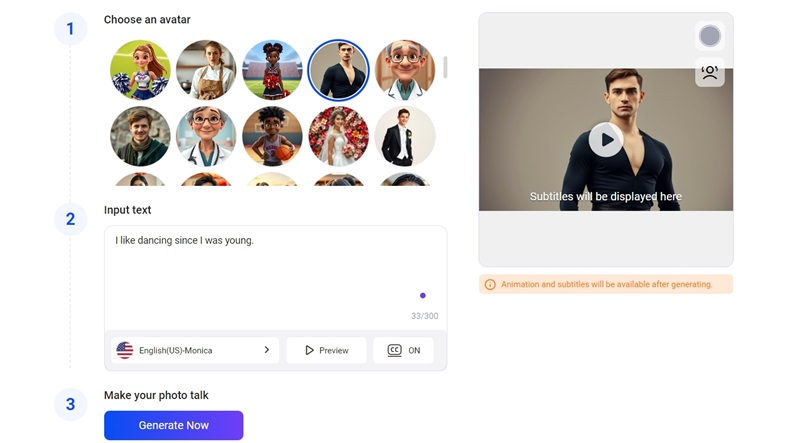
Step 1. Go to the website and sign in to it. Choose an avatar and input the text.
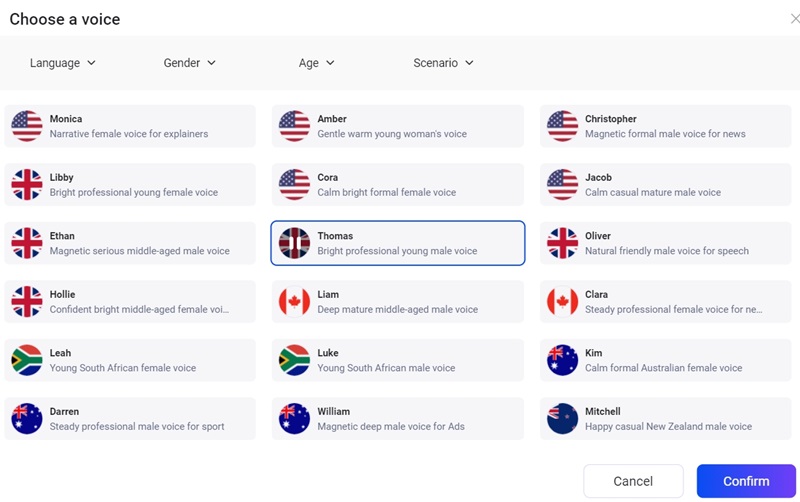
Step 2. Choose the language, gender, age and scenario to customize the sound. The press “Confirm”.
Step 3. Hit “Generate Now” and wait for a few minutes for the result.
Vidwud is a great platform with fun features, such as AI attractiveness test.
The Bottom Line
In this post, we share a few red eye effect removers online and for different devices. Also, you can find a detailed guide on how to remove red eyes from photos. Vidwud AI Talking can turn your photo into a talking avatar naturally. Sign up for free and try.
Free AI Image to Video Generator
-
Best free online image to video generator
-
Turn any text/image to vivid video with high quality
- Clean and intuitive interface design
Turn Image to Video Now